AgentPack brings your MindPal AI agents and multi-agent workflows to every tab. Chat, run workflows, and get answers — without leaving the page.
Your AI agents, one click away
Install AgentPack and access all your MindPal AI agents and multi-agent workflows directly from the browser side panel — on any website, any tab.
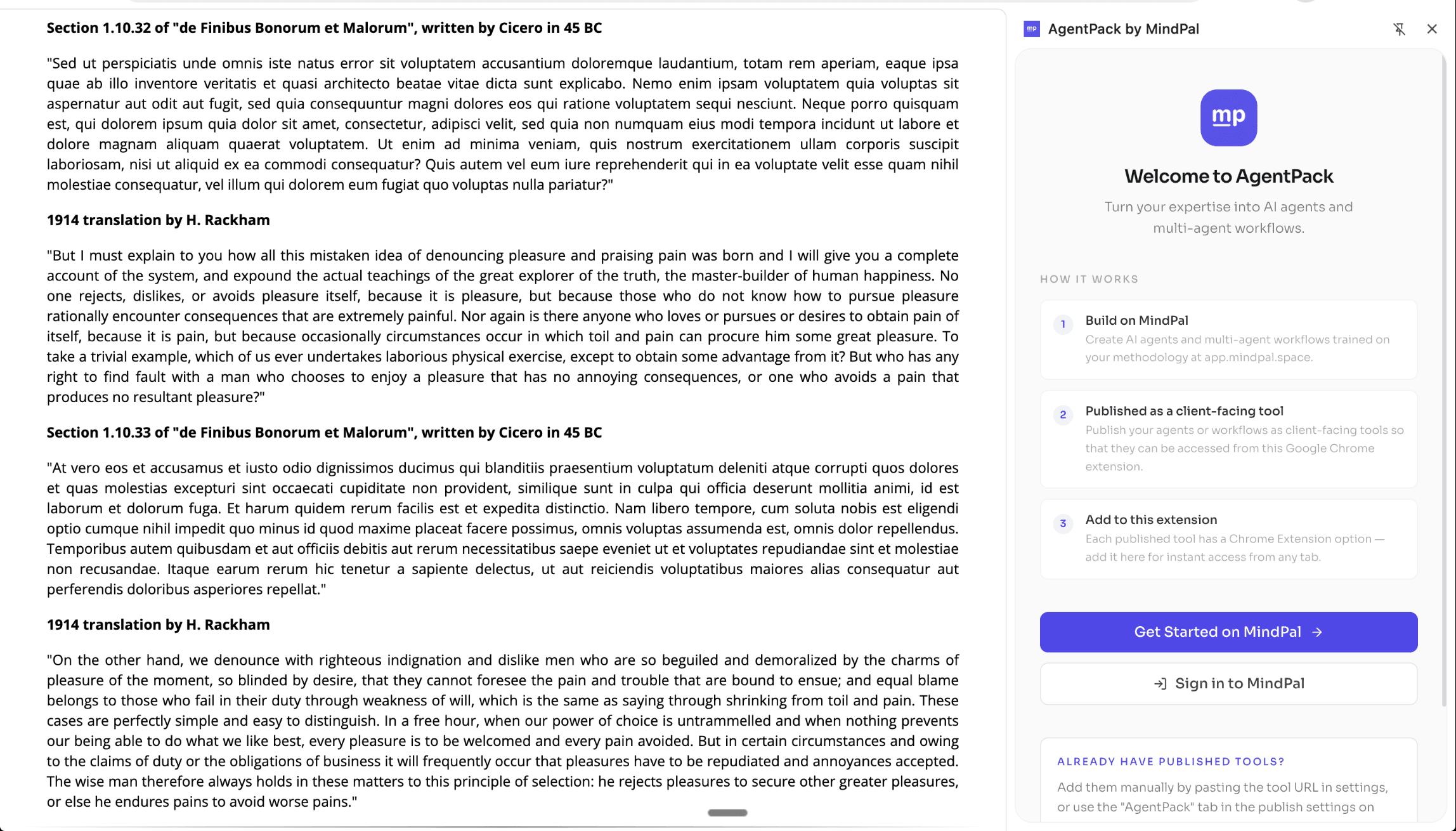
Publish tools directly to your extension
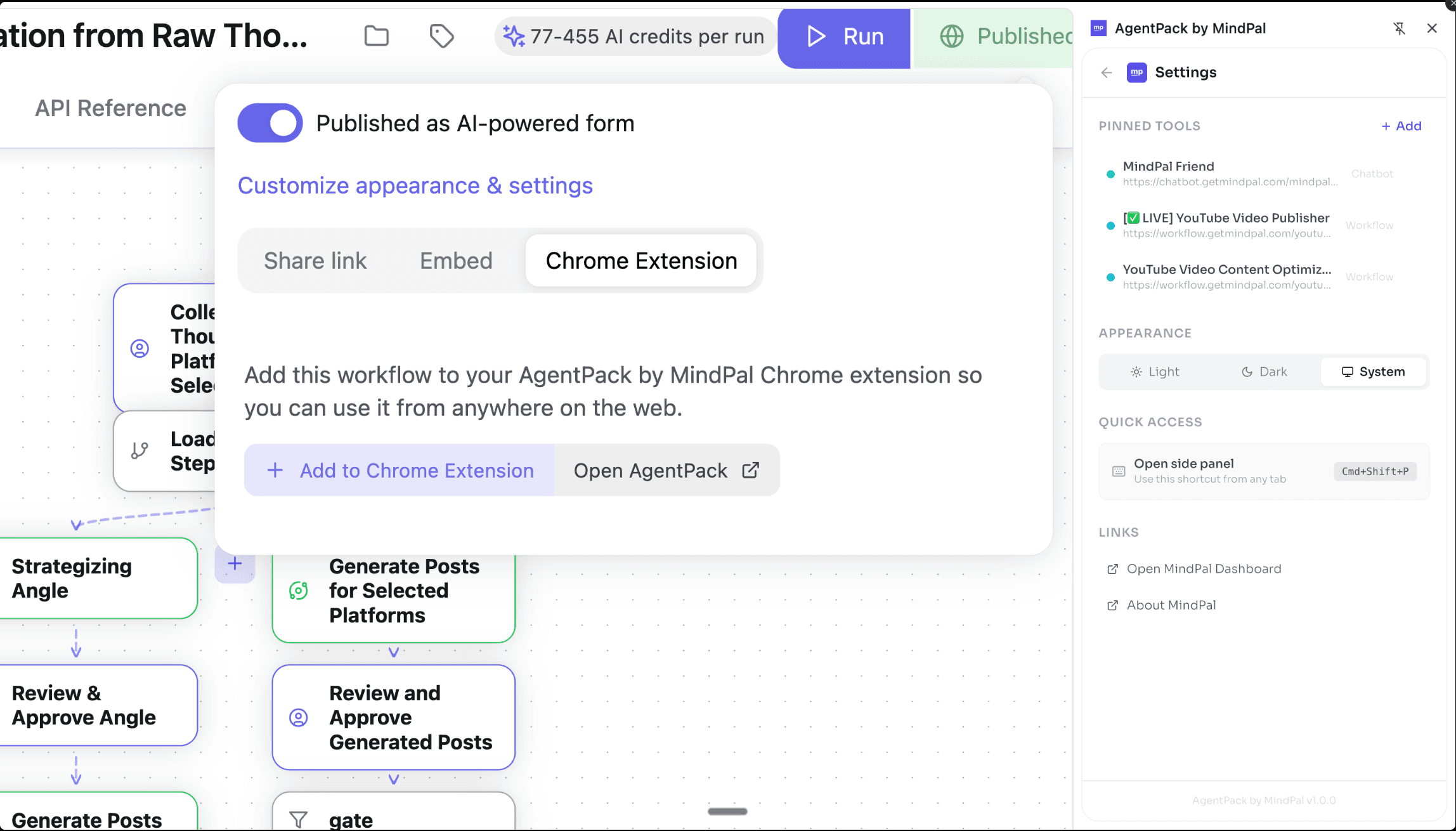
Publish any agent or workflow as a Chrome Extension tool with one click. Pin your favorites, switch between light and dark mode, and configure quick access shortcuts — all from the settings panel.
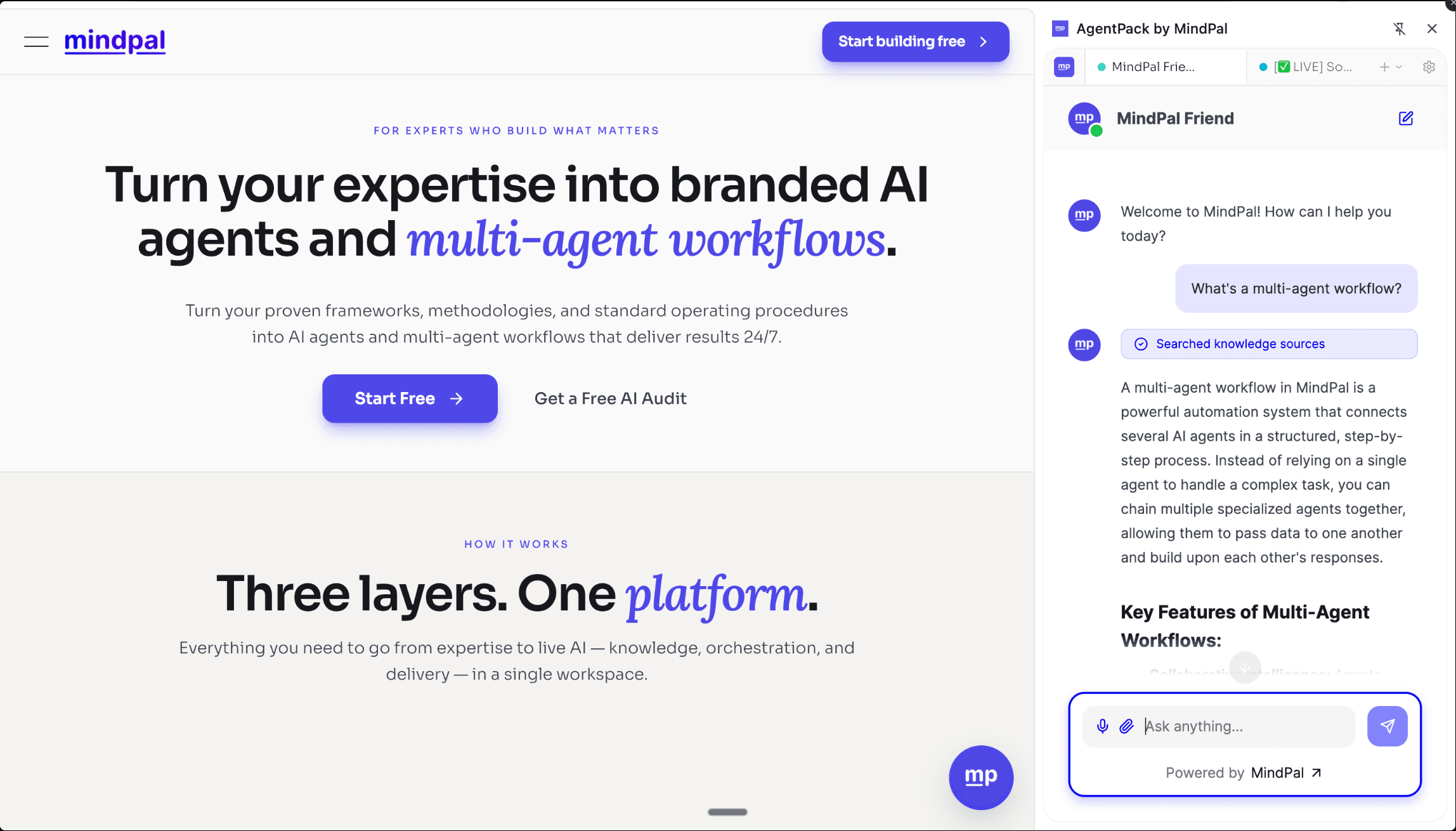
Talk to your agents on any page
Open the side panel on any website and chat with your AI agents in real time. They search your knowledge sources, follow your methodology, and deliver answers — all without leaving the page you're on.
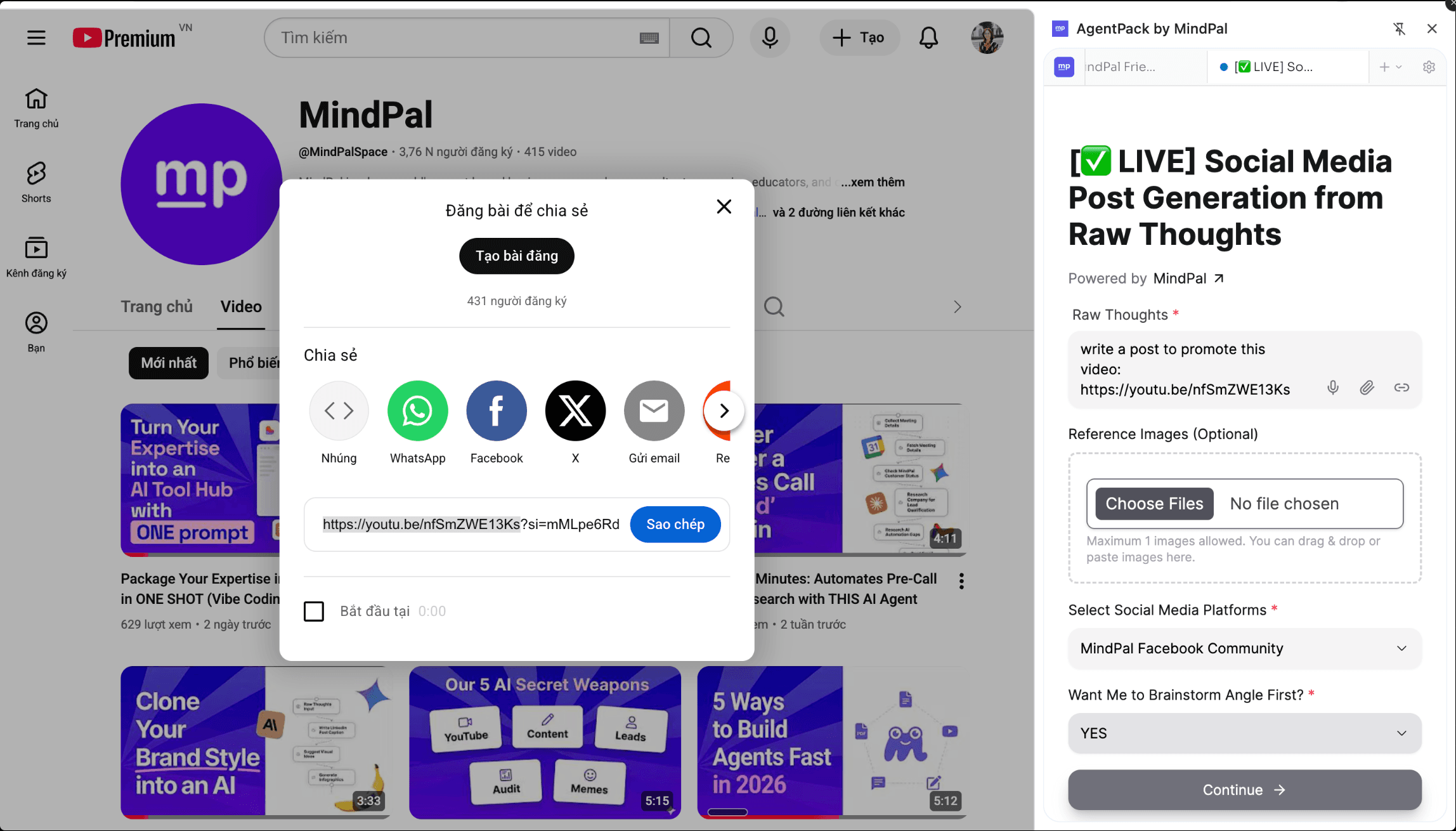
Run multi-agent workflows from any tab
Access your published workflows as AI-powered forms right in the side panel. Paste a URL, upload a reference image, select your options — and let the agents do the work while you stay on the page.
Built for your workflow
A powerful side panel that fits naturally into how you already work
Pin your favorites
Keep your most-used agents and workflows pinned at the top for instant access.
Works on any website
Open the side panel on any tab — no need to navigate away from what you're working on.
Full chat experience
Chat with agents, view knowledge source searches, and get responses in real time.
Run workflows as forms
Published workflows appear as AI-powered forms — fill in inputs and let agents execute.
Appearance settings
Switch between light, dark, and system themes. Customize to match your preference.
Keyboard shortcut
Open the side panel instantly with Cmd+Shift+P (Mac) or Ctrl+Shift+P (Windows).
Your expertise, on every tab
Install AgentPack and bring your AI agents and workflows to every page you visit.
Add to Chrome — free